
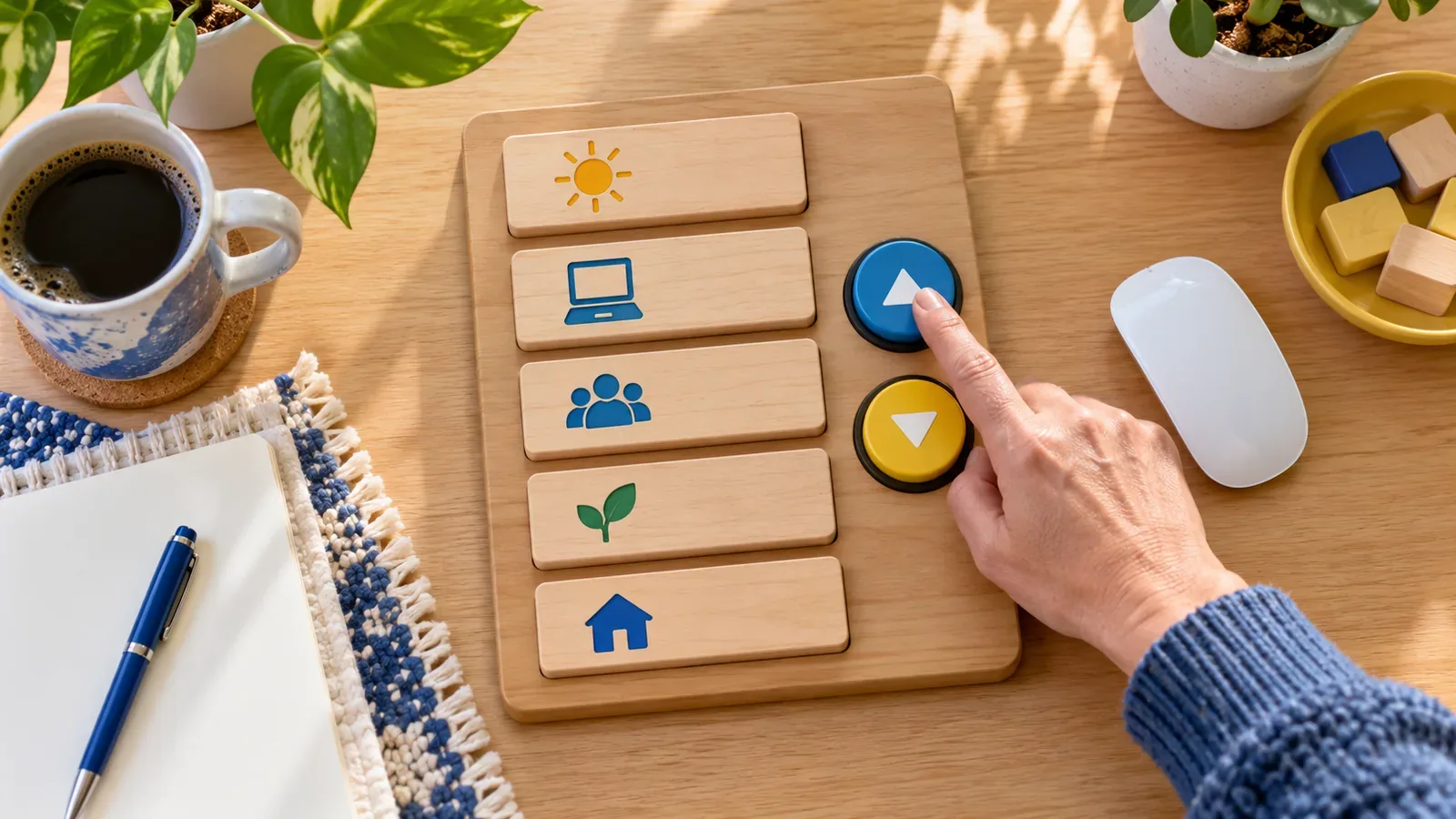
Dragging a card across a board can feel direct for someone using a precise pointer. It can be exhausting or impossible for a person with tremor, limited dexterity, a keyboard, switch control or speech input. Accessible drag and drop keeps the visual interaction when it is useful but provides another complete route to the same result.
A fictional editorial board contains story cards in Draft, Review and Scheduled columns. Selecting a card can open a Move menu with those destinations. Separate up and down buttons can change its position within a column. These controls are understandable without reproducing a physical drag through complicated keystrokes.
Model the movement as a business action
Define what can move, the valid destinations and what changes after movement. The drag gesture is only one input for that action. Expose the same server or state command through buttons or a menu rather than building a separate simplified feature that can drift from the main rules.
For a task board, “Move to Review” is more reliable than asking a keyboard user to simulate pointer coordinates. If order matters, provide Move earlier and Move later controls or a position chooser. Disable impossible moves with an explanation available to assistive technology.
Support pointer, keyboard and touch independently
W3C's guidance for WCAG 2.2 Success Criterion 2.5.7 requires a single-pointer alternative when dragging is not essential. Keyboard operability is a related but separate requirement. A menu item that can be clicked, tapped and reached from the keyboard can satisfy multiple needs with one familiar mechanism.
Keep targets large enough and avoid requiring a long press that conflicts with assistive behavior. Drag handles should have accessible names, but adding a role and key events to the handle does not replace visible movement controls. People using speech input also benefit when controls have stable names such as “Move story” and “Move earlier.”
Announce results and preserve focus
After movement, keep focus on the moved card or its corresponding control in the new location. Announce a concise status such as “Story moved to Review, position two of five.” Do not move focus to the top of the page or rely only on animation to communicate success. If the operation fails, preserve the original position and explain what the user can do.
Offer undo when an accidental move has meaningful consequences. Undo should reverse the actual state change, not only the visual arrangement. For remote updates, show pending state without trapping focus or disabling unrelated work.
Test the complete interaction without a mouse
Move an item between every valid destination using Tab, Enter and arrow-accessible menus. Repeat with touch using taps only, a screen reader, high zoom and voice control. Verify focus after reordering, the announced position and the result after a server rejection. Test scrollable boards so movement controls remain reachable when columns extend beyond the viewport.
Accessible direct manipulation is not a special duplicate interface. It is a clear command model with more than one input technique. When the movement has named destinations and predictable feedback, every user gains a way to correct mistakes and understand the resulting state.
For related delivery support, explore 4Minds Technology's UI, UX and product design and web development. A useful implementation should leave the operating rule, evidence and ownership clear enough for the next team member to maintain. Record the final decision beside the system so future changes can be reviewed against the original purpose.


